ENCRYPTED AT REST
Authenticated by design.
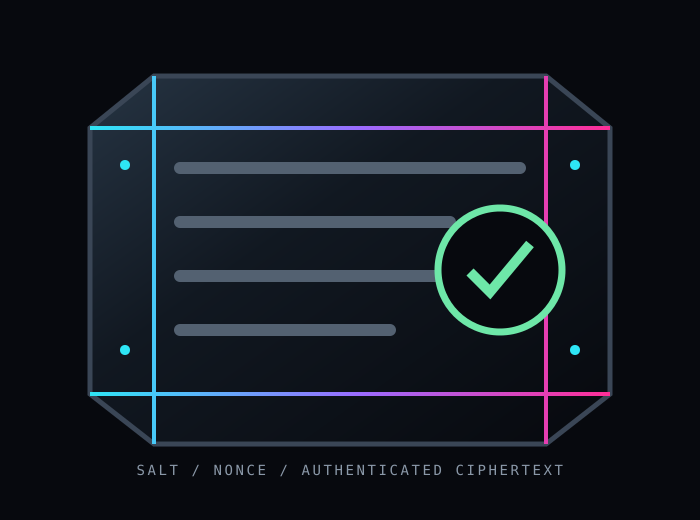
Tampered vault data fails to decrypt. A stolen file is still ciphertext without the master password.
CyberVault stores passwords, passphrases, and sensitive notes in one authenticated file. The master password unlocks only the operation or session you choose—then the derived key disappears with it.
The vault is deliberately small: strong derivation, authenticated encryption, predictable permissions, and a threat model that says exactly what it does not promise.
Tampered vault data fails to decrypt. A stolen file is still ciphertext without the master password.
Carry one encrypted vault file instead of scattering secrets through config files, shell history, or notes.
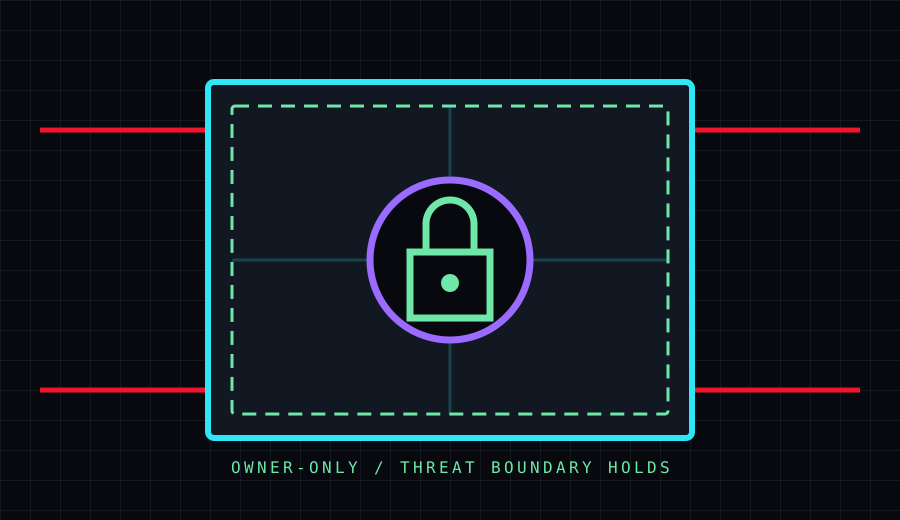
It protects secrets at rest—not an already-compromised session, a keylogger, or someone watching you type.
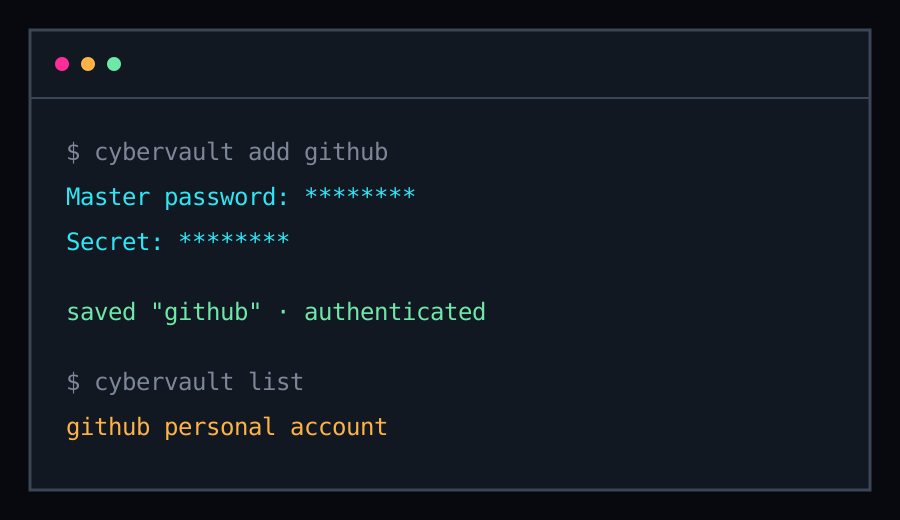
add reads a piped secret or prompts with hidden input. list shows labels, dates, and notes—never the secrets themselves. There is no background session waiting to be stolen.
NO UNLOCKED SESSION LEFT BEHIND
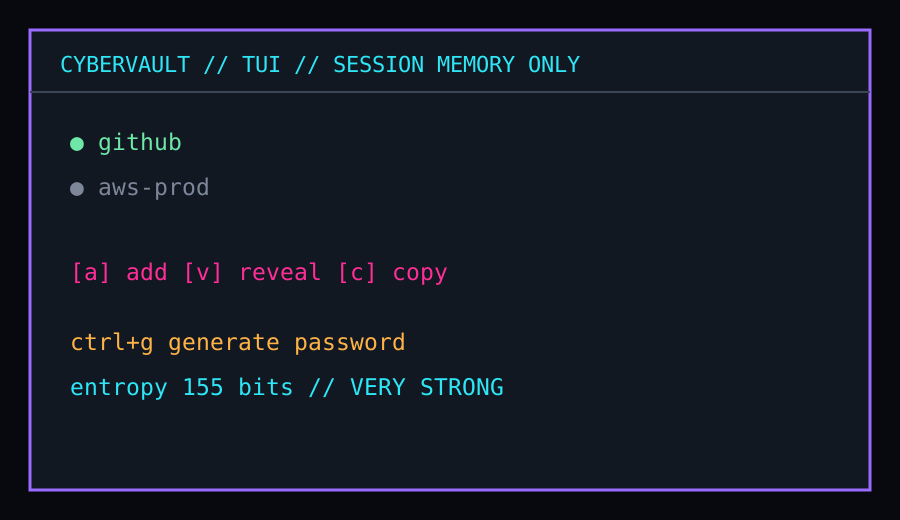
The interactive terminal UI keeps the derived key in memory for the session only. Browse, search, reveal, copy, and generate through a focused operator surface.
KEY DISAPPEARS ON EXIT
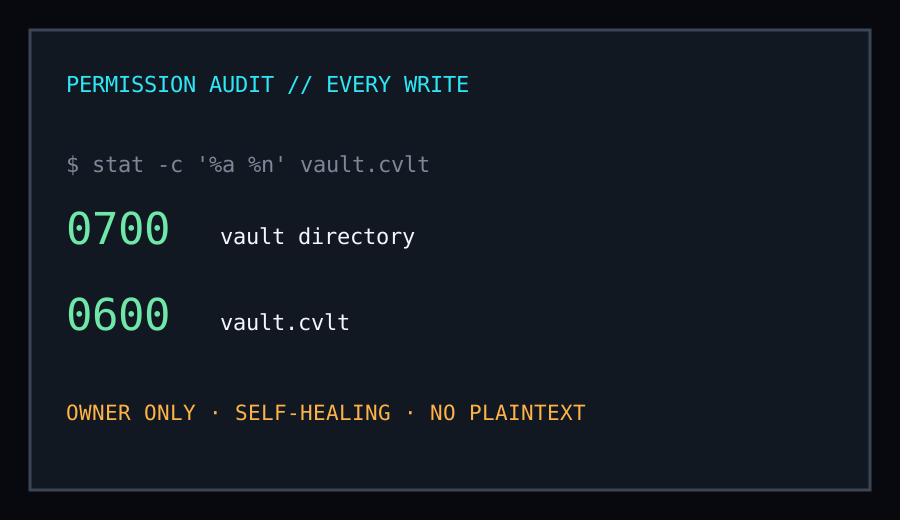
The vault directory is owner-only at 0700; the vault file is owner-only at 0600. CyberVault re-checks and reapplies those permissions on every save, not only during first creation.
SELF-HEALING PERMISSIONS
One command downloads, verifies the checksum, and installs to ~/.local/bin.
curl -fsSL https://raw.githubusercontent.com/cybercoretech/cybervault/main/install.sh | sh
Keysmith is optional and only needed for the TUI's ctrl+g / ctrl+p generate-in-place shortcuts.
…